Game Introduction
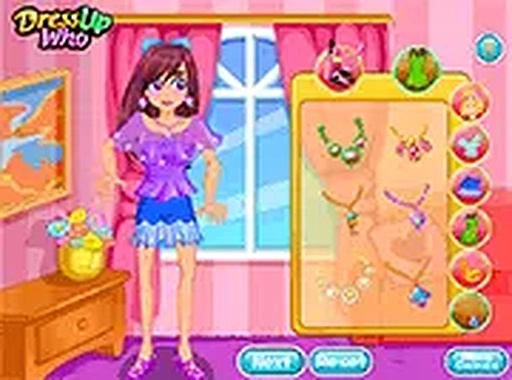
Couple Fashion Stylist Game is a creative dress-up experience where players take charge of styling both a girl and her boyfriend. The game focuses on fashion coordination and personal expression. Players can select from a variety of clothing items, hairstyles, and accessories to create a look that reflects their taste. The game is designed to be family-friendly and suitable for players of all ages. It offers a relaxing experience with no time limits or scores. Players can play directly in their browser on a mobile device or desktop computer without any downloads. The game encourages experimentation with different combinations to find the perfect matching outfit for the virtual couple.
How to Play
To play Couple Fashion Stylist Game, start by selecting items for the girl. Choose from dresses, tops, bottoms, shoes, and accessories. Then move on to the boyfriend and pick his shirt, pants, shoes, and other items. The interface uses simple click-to-select or drag-and-drop controls. Players can also change hairstyles and hair colors for both characters. Once satisfied with the looks, players can save or share their creation. There are no rules or objectives, so players can freely mix and match until they find a combination they like.
Game Features
Game features include creative dress-up options for two characters. Couple styling to coordinate outfits. Easy controls suitable for all ages. No download required, play in browser. Free to play with no in-game purchases.
Tips for Success
To make the most of your styling experience, try mixing unexpected colors or patterns to discover unique combinations. Start with a base outfit for one character, then coordinate the other’s look to complement it. Experiment with different hairstyles and accessories to add personality. Since there are no time limits, take your time to explore all available options. Saving your favorite looks can help you compare and refine your style over time.